

01
CreateMake any image possible
AI image & video generator: Every image, directed.
Write the shot or drop in a reference. Compare GPT Image, Seedream, Nano Banana and more, and keep every take in one workspace.
CinePixel is an independent platform that integrates selected third-party AI models. Learn more
What will you make today?
Bring your ideas to life with realistic generated images in just a few clicks
Explore all features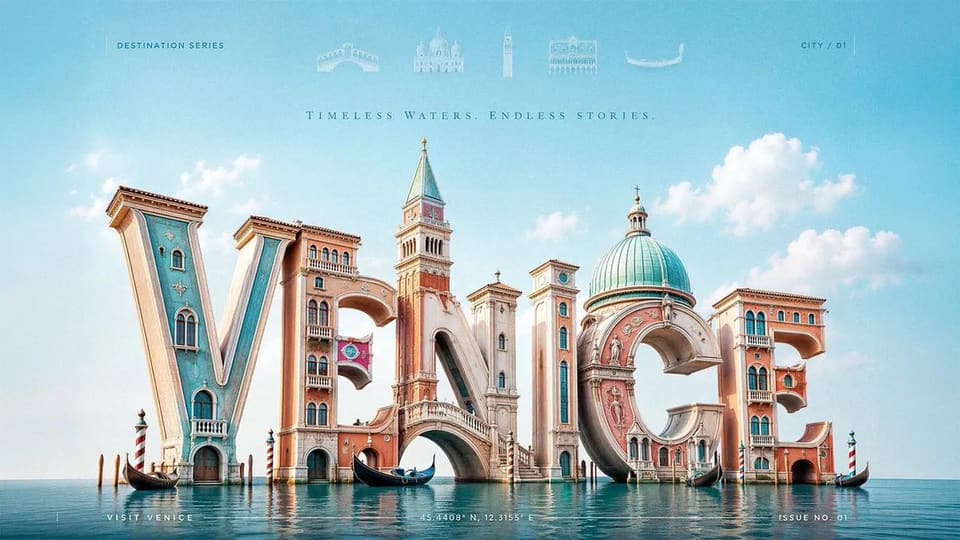 3D Typography Travel Poster
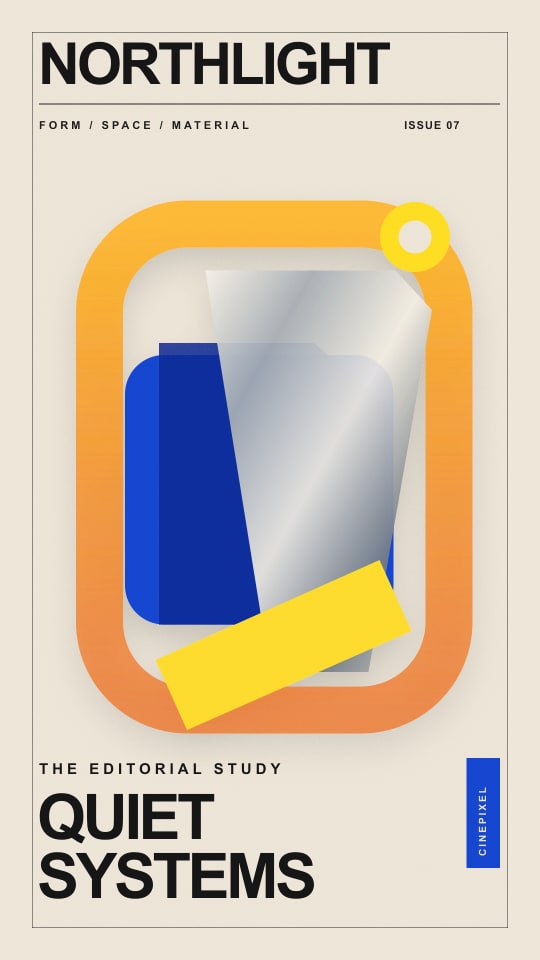 Luxury Fashion Magazine Cover
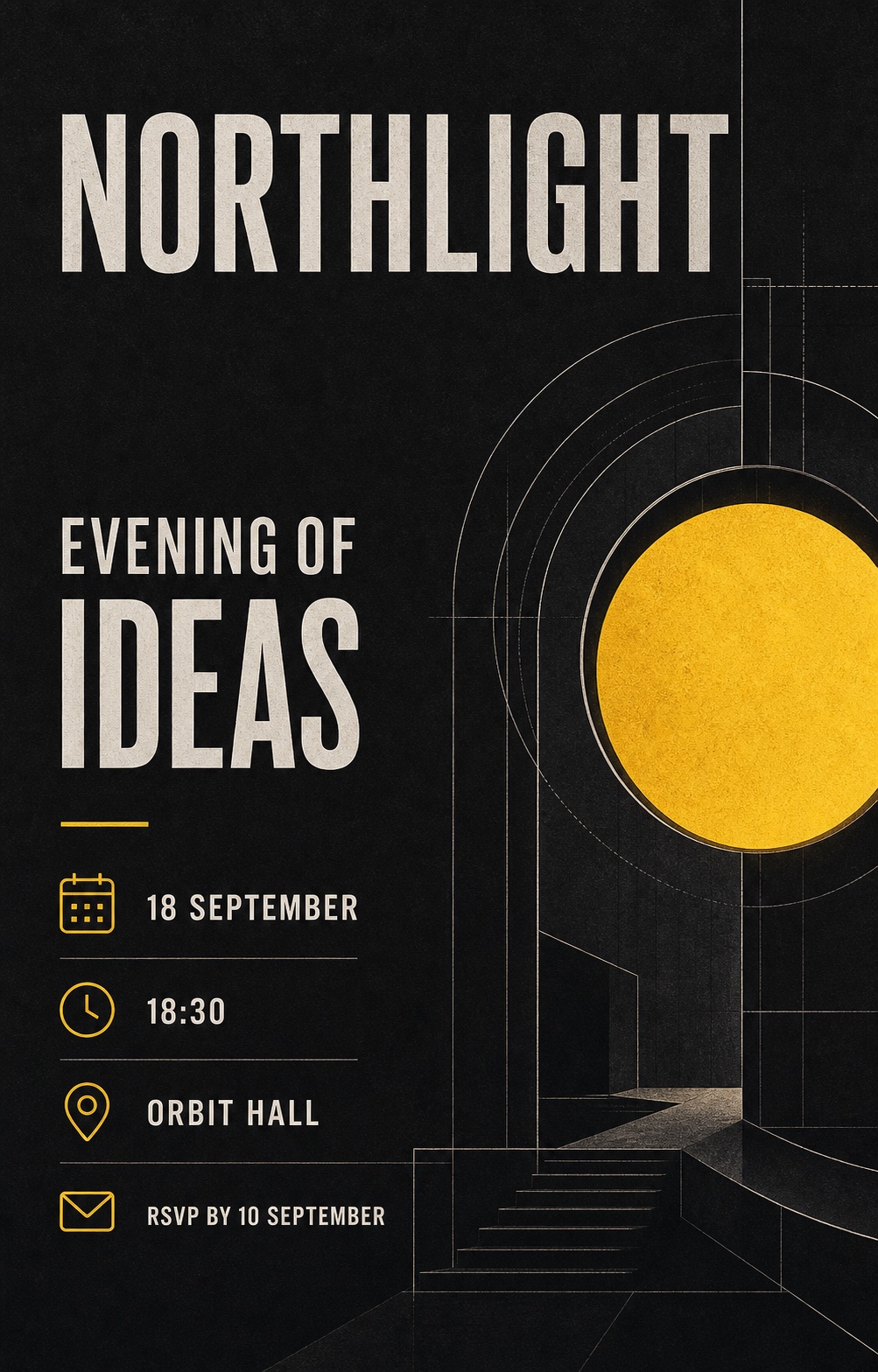 Guangdong Super League Invitation Poster
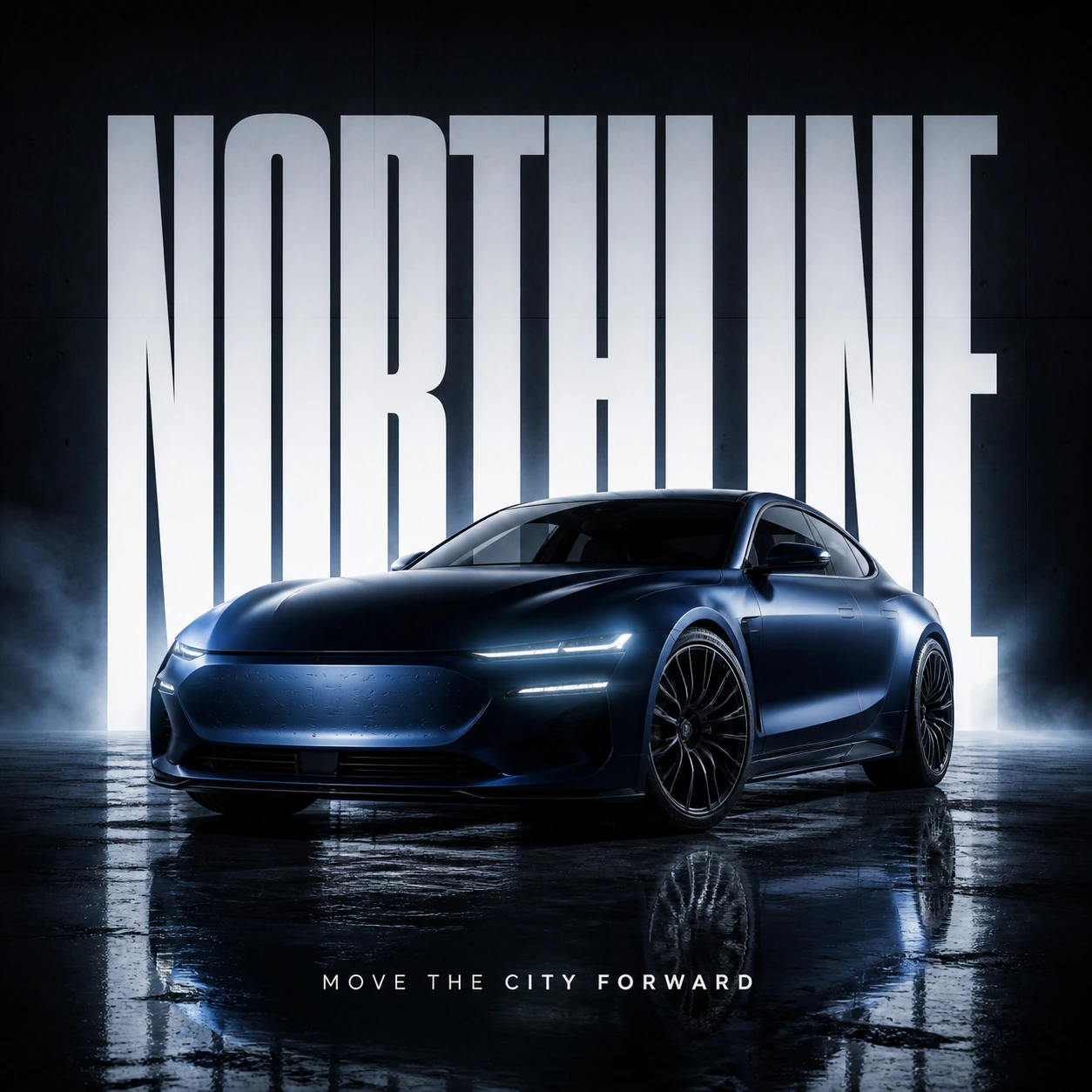 Automotive Billboard Ad Concept
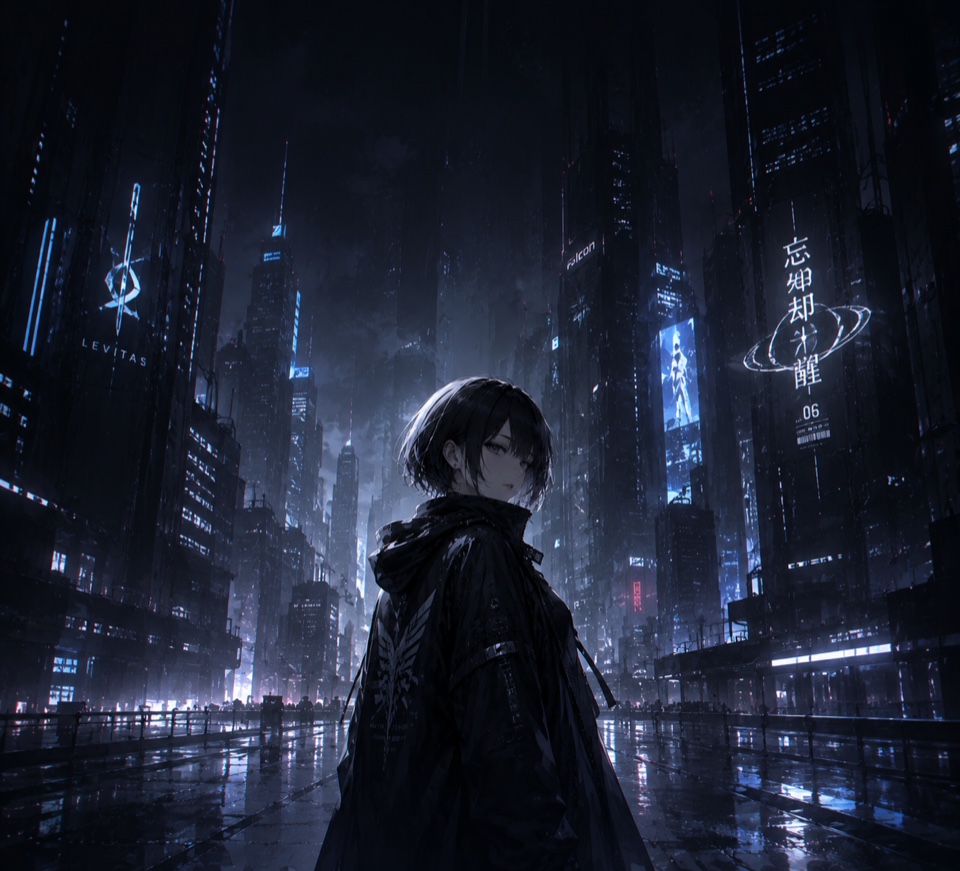 Anime wallpaper for foldable phone — dark cool style
 Soft Poetic Children's Book Illustration
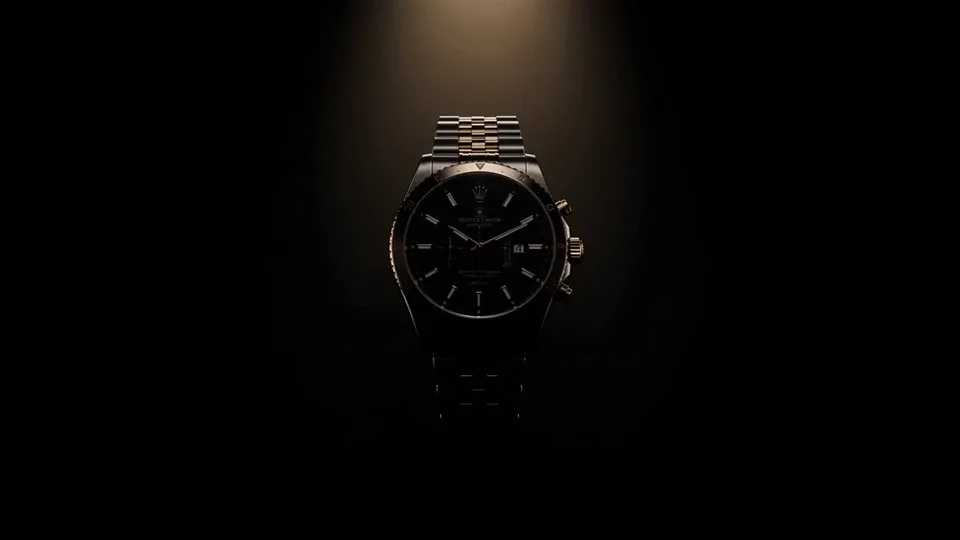 Luxury Watch Dramatic Beam Product Shot
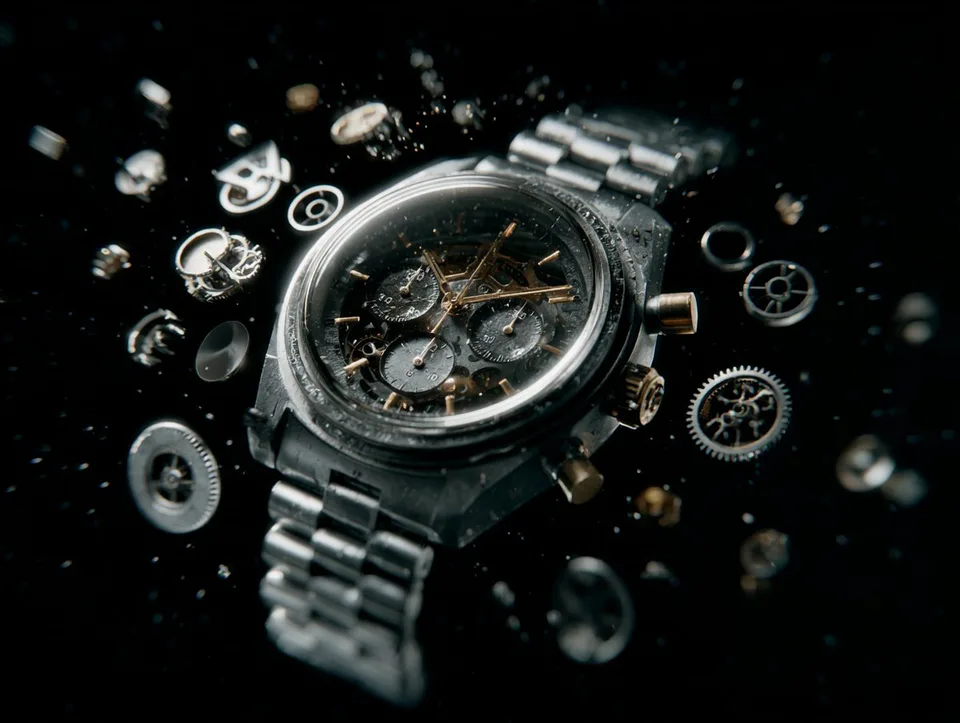 Reverse-Assembly Product VFX
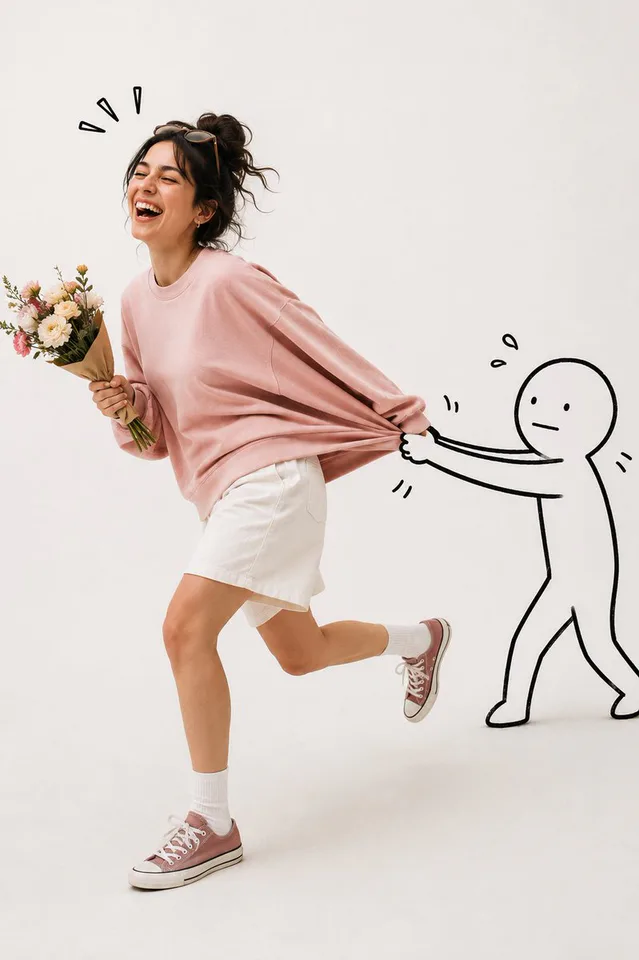 Doodle Escape Studio Sprint
 Cosmic Garden Fantasy Portrait
 Pixel Art Character Portrait
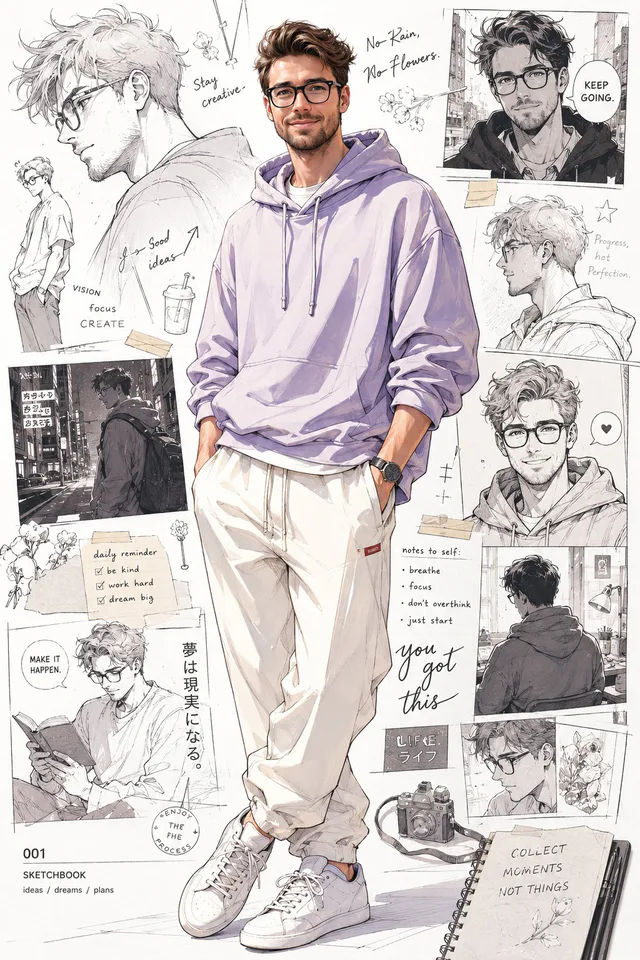 Anime-Inspired Pastel Hoodie Portrait
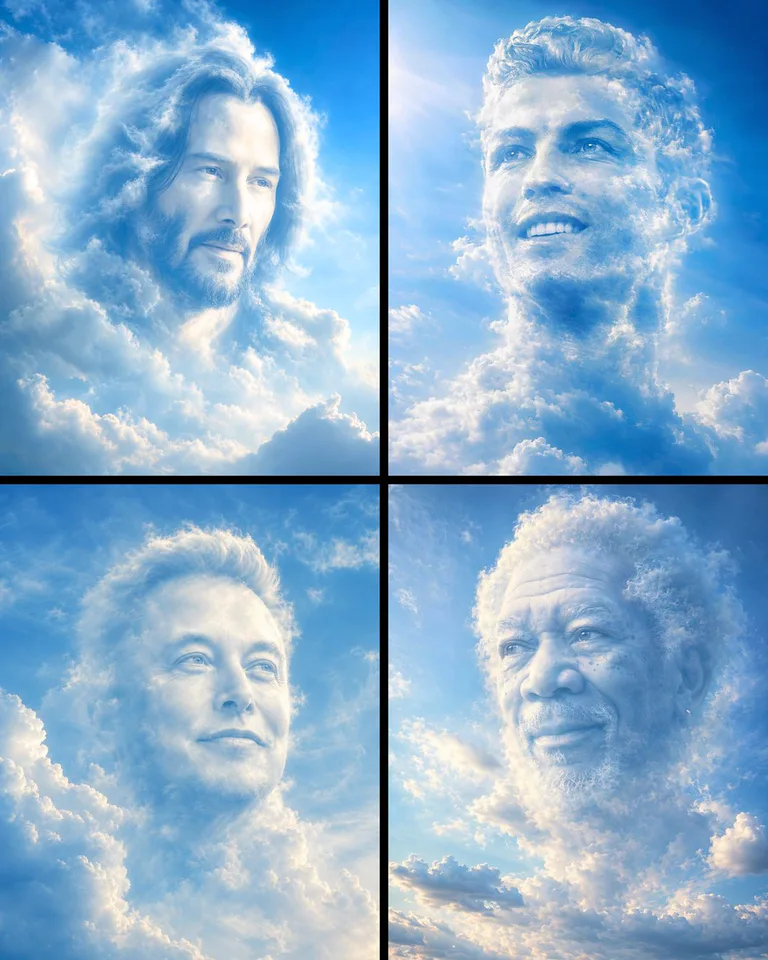 Dreamlike Cloud Face Portrait
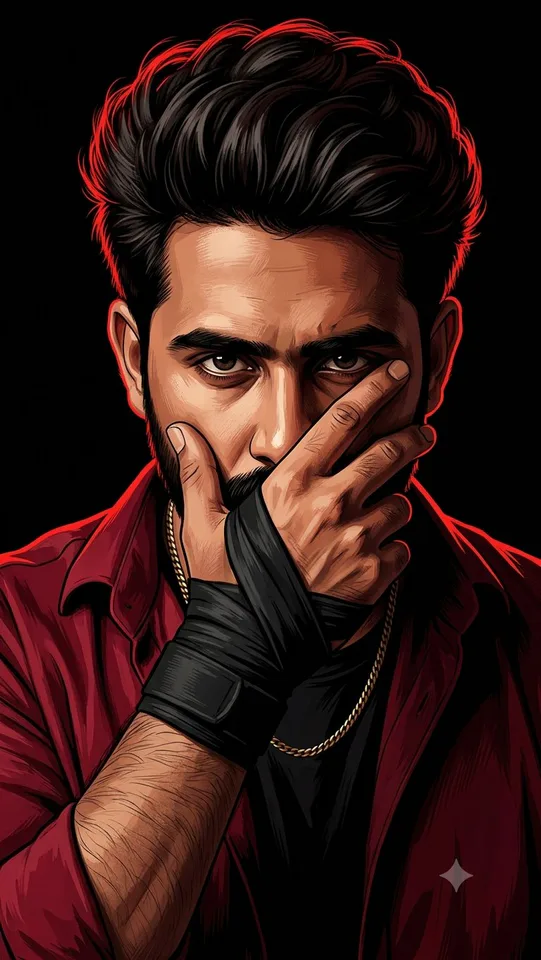 Sharp Digital Portrait Illustration
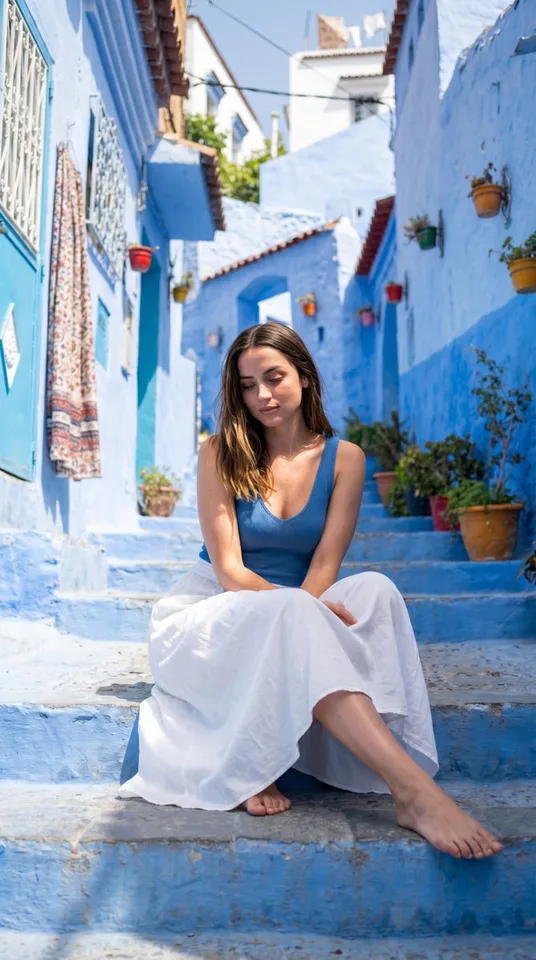 Mediterranean Alley Sunlit Portrait
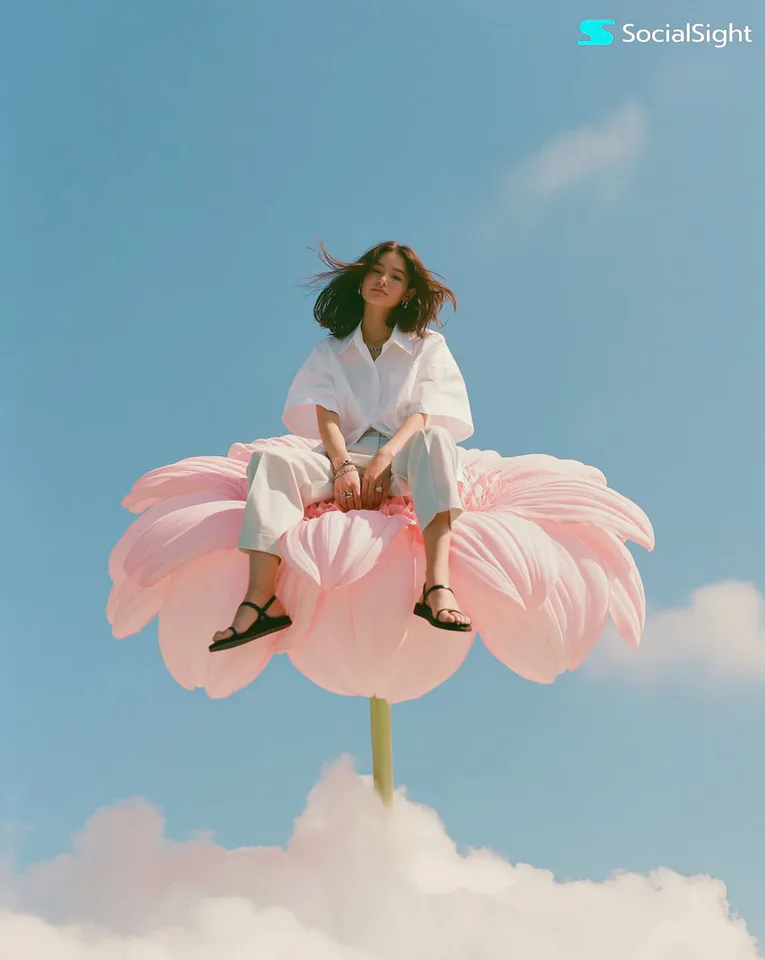 Cloud-Bloom Editorial Portrait
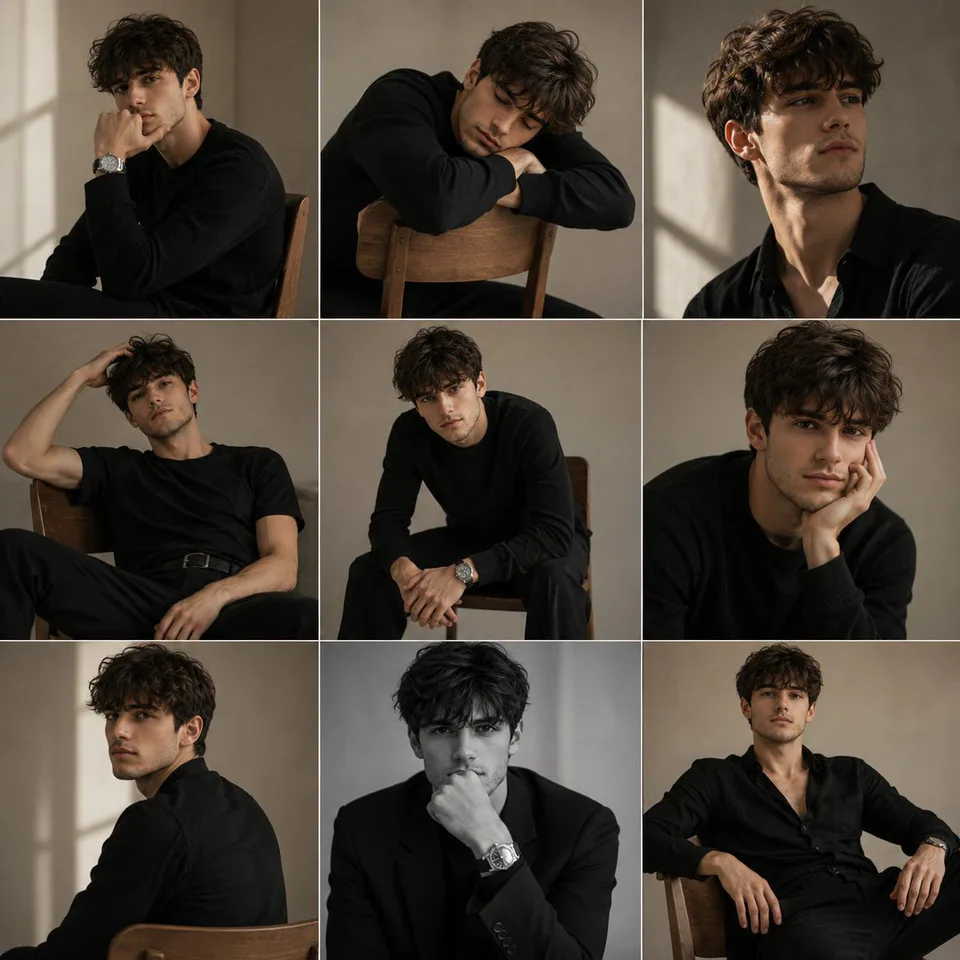 Monochrome Studio Portrait Grid
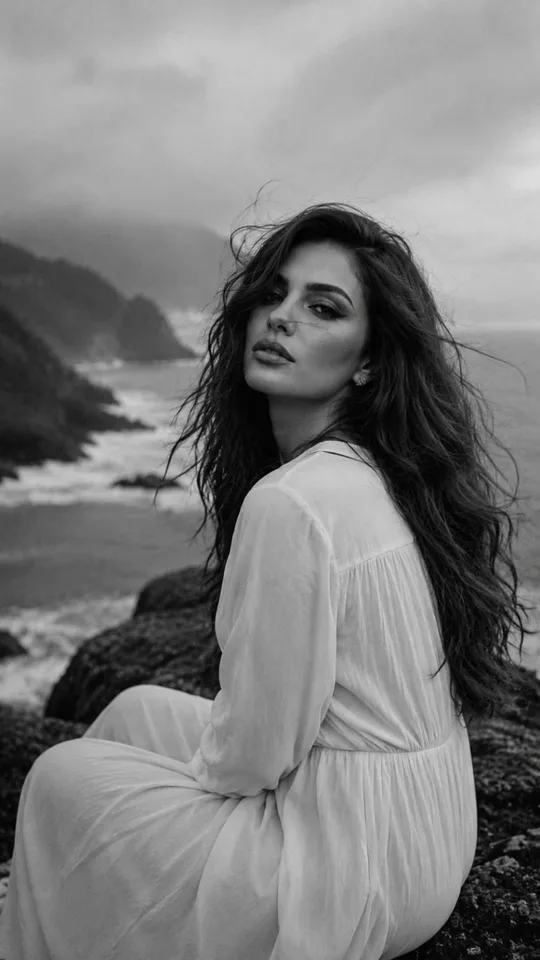 Coastal Daydream Film Portrait
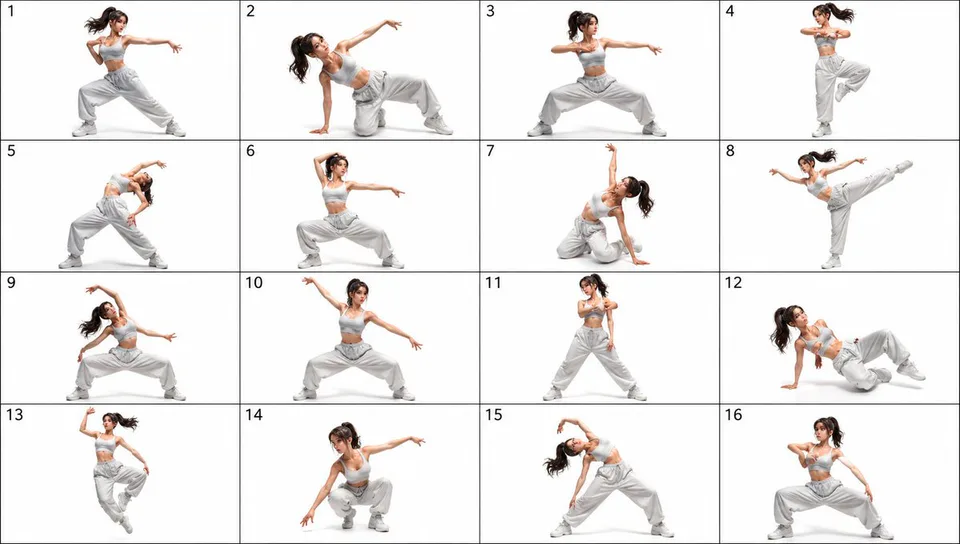 16-Pose Dance Reference Sheet
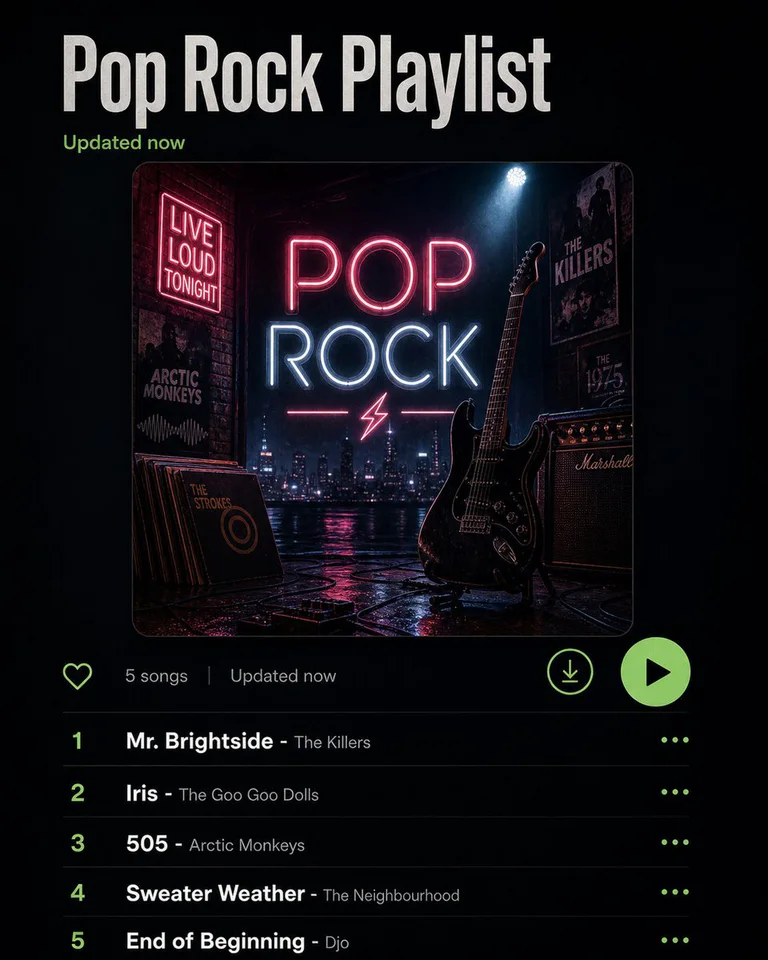 Playlist Mood Album Cover
Recently added
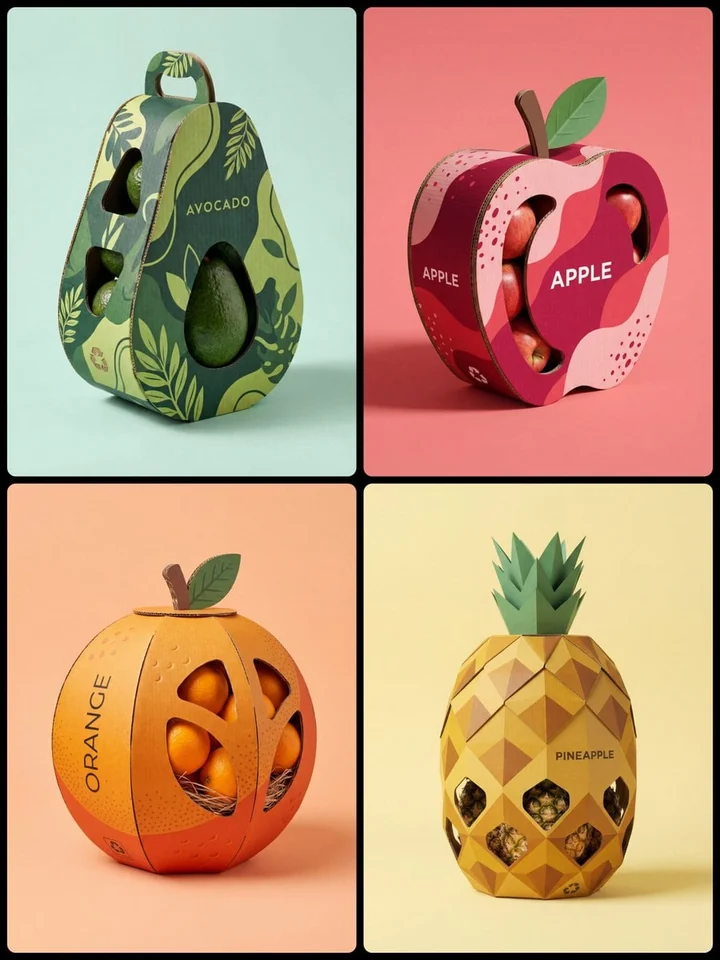
Creative Structural Fruit Packaging

Sci-Fi Coffee Machine Boss Battle
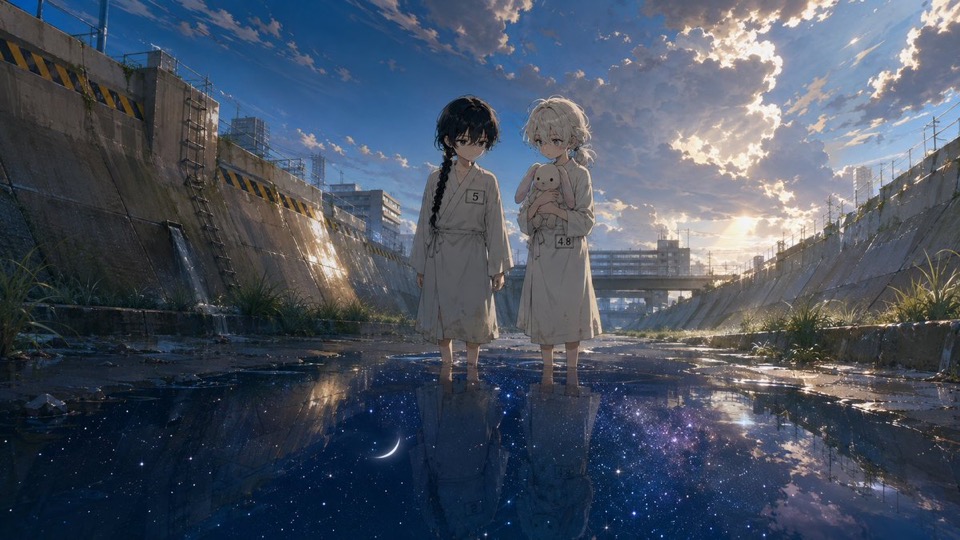
Anime Girls in Starry Flooded Canal
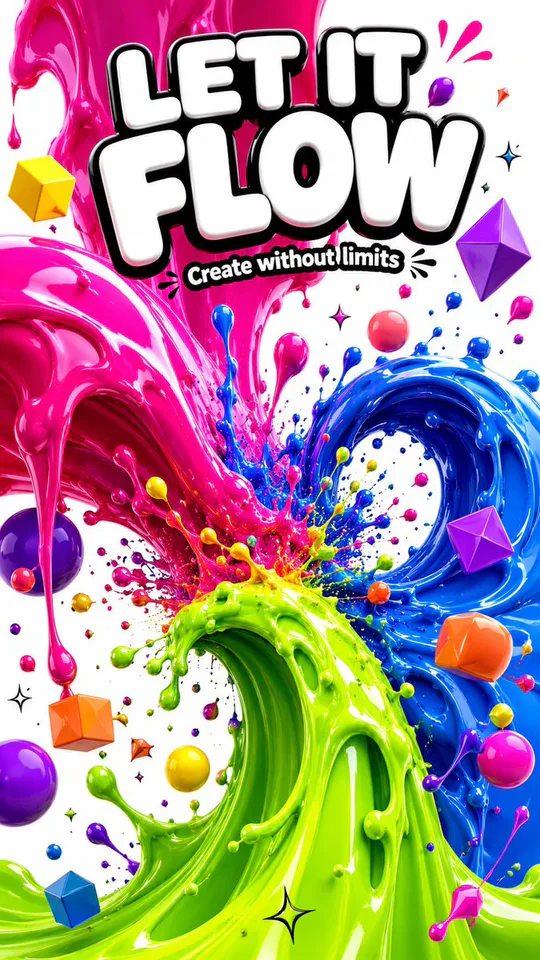
3D Liquid Art Poster
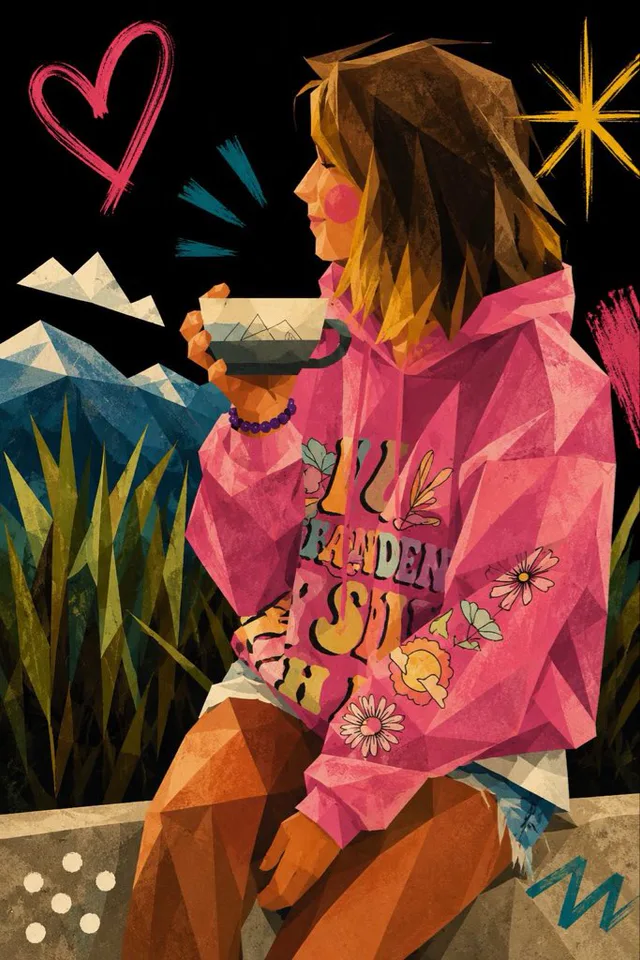
Cubist Kawaii Vector Portrait
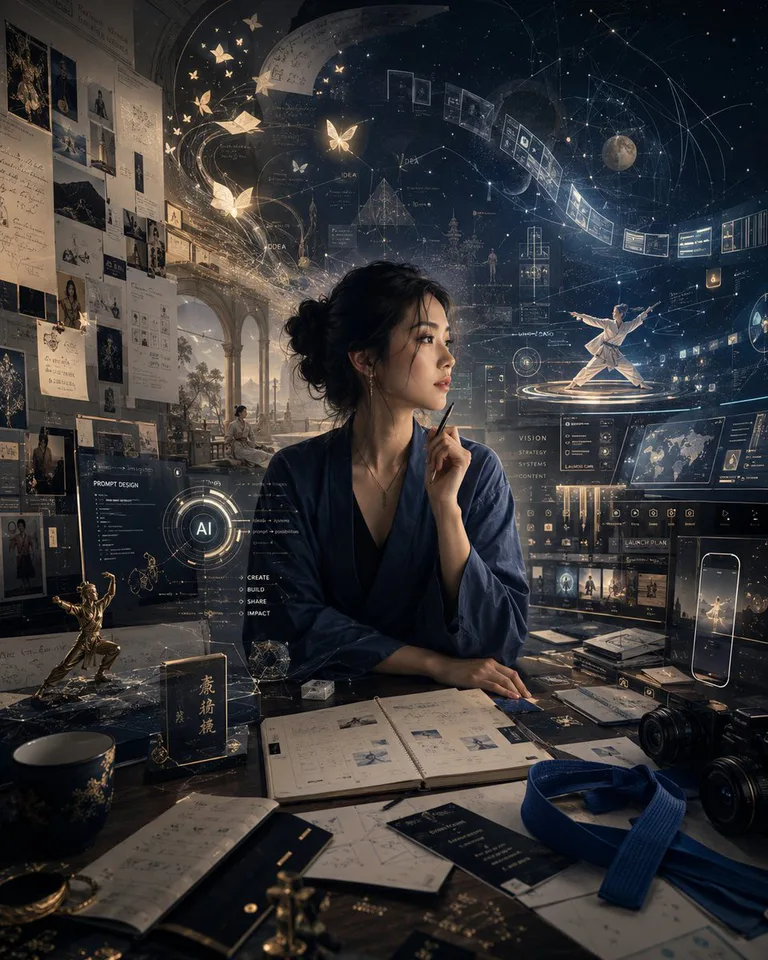
High-Concept Personal Portrait
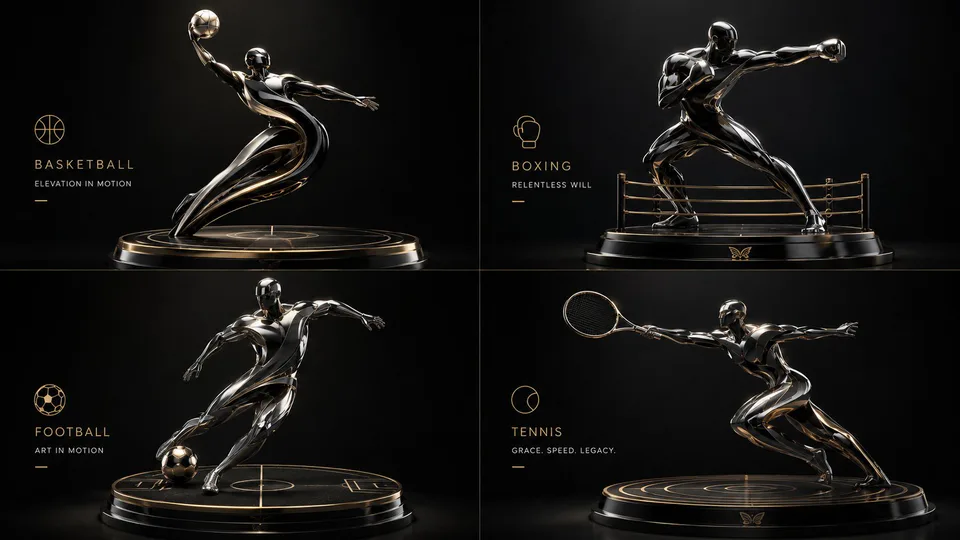
2x2 Luxury 3D Sculptural Poster
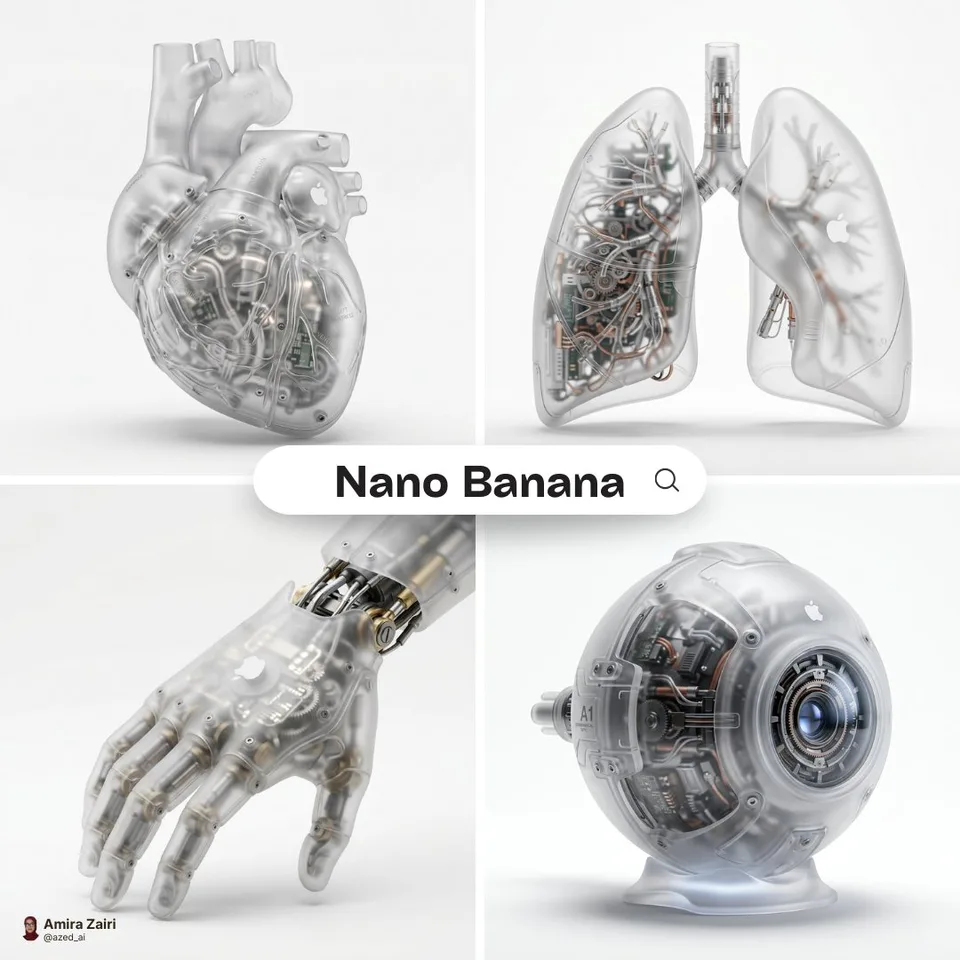
Biomechanical Organ Product Render
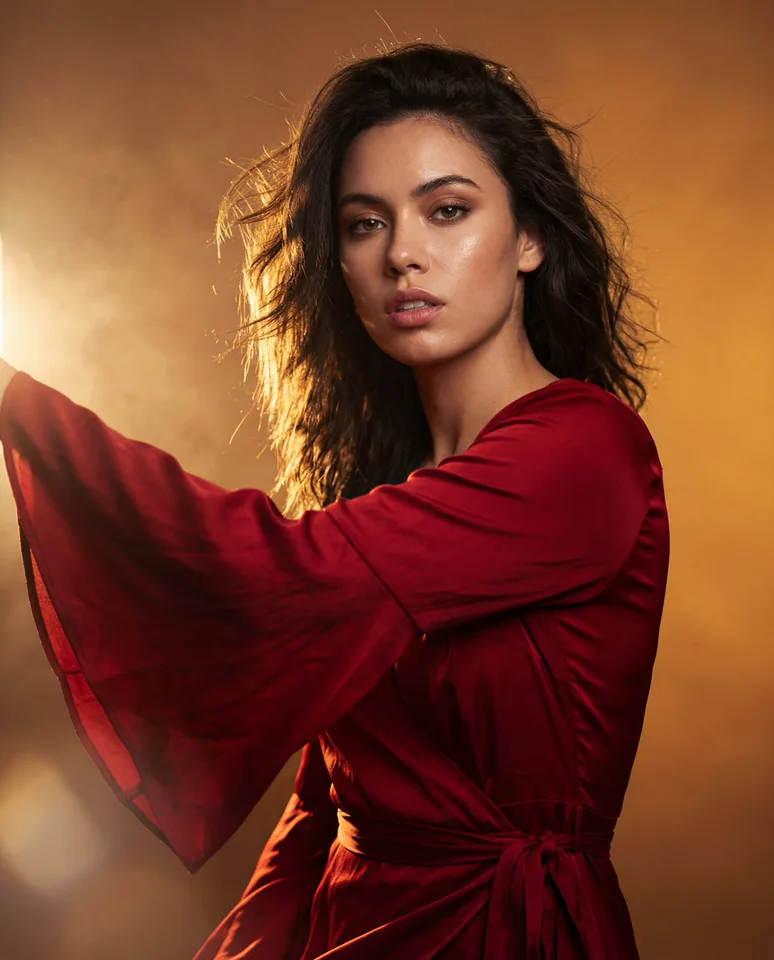
Red Dress Editorial Portrait
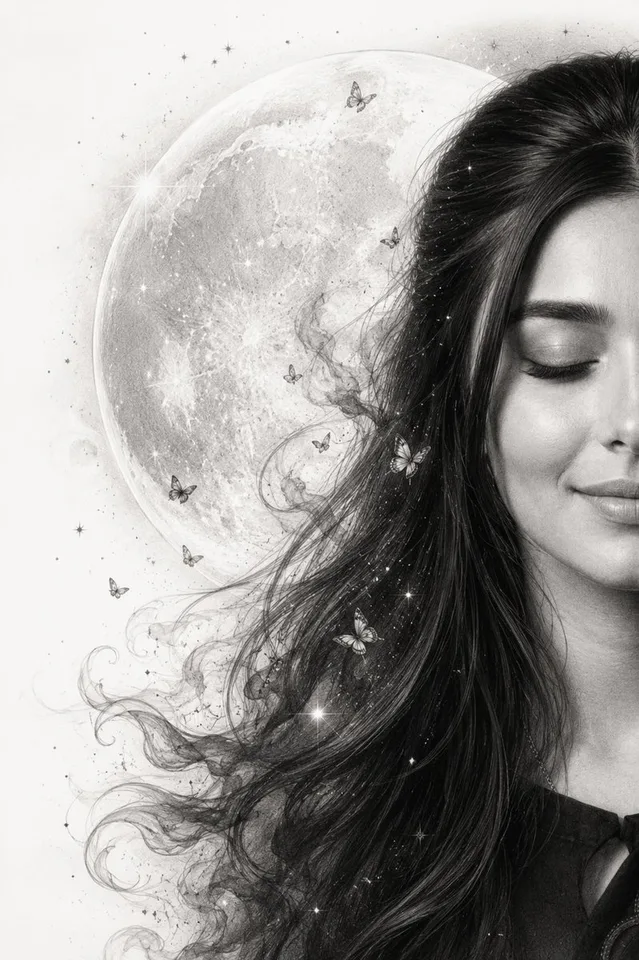
Moon Whisper Graphite Portrait
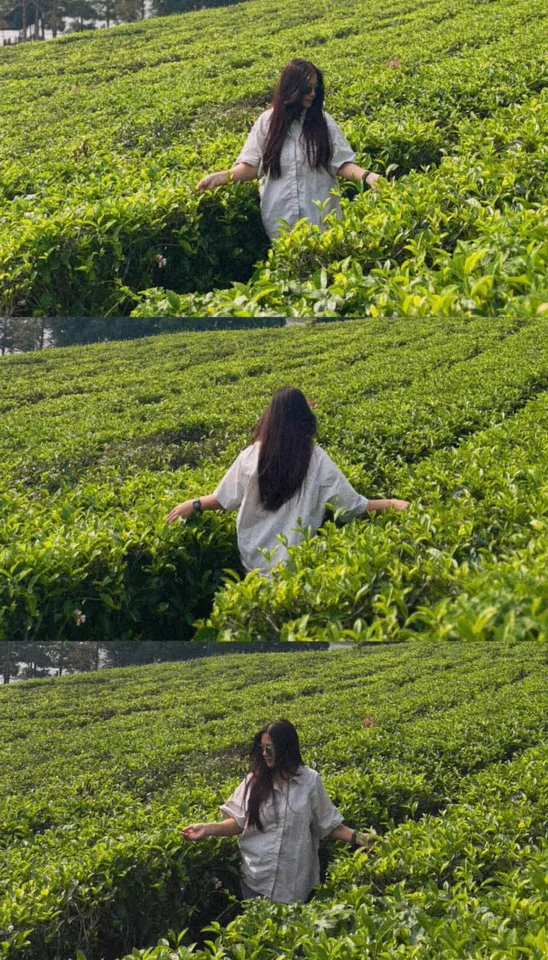
Tea Estate Storybook Collage
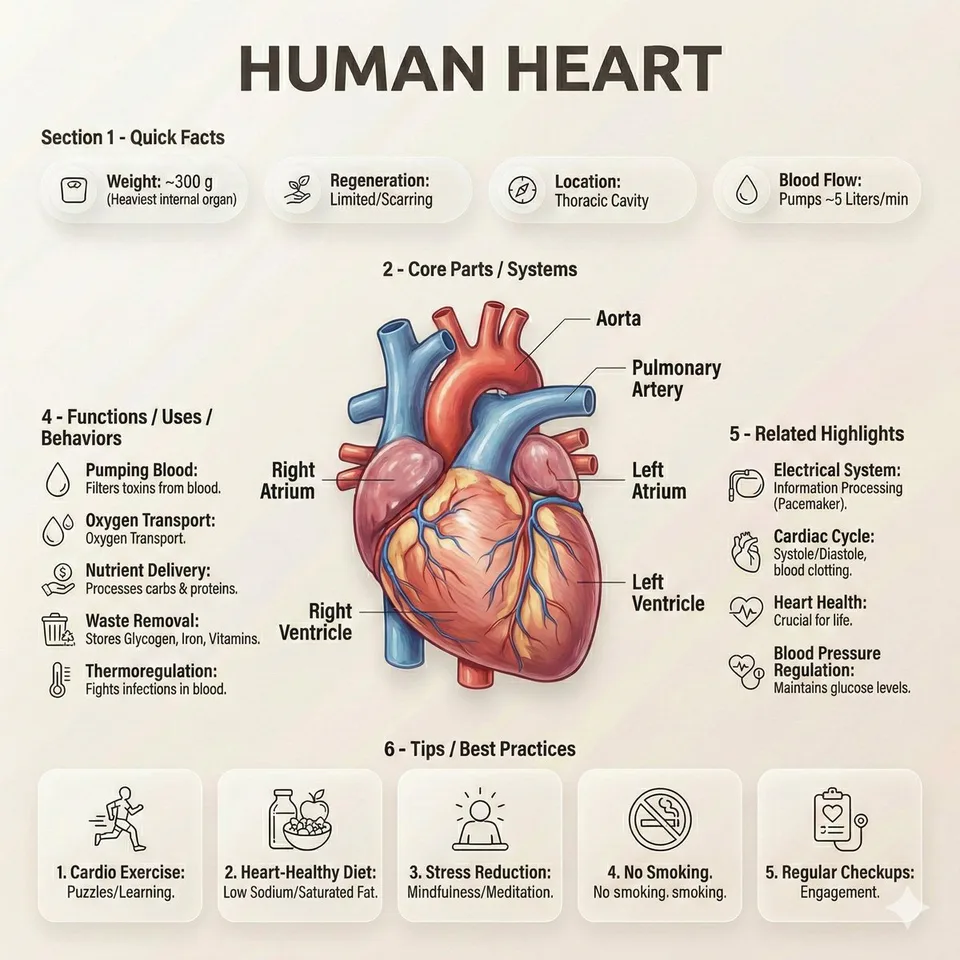
Editorial Anatomy Infographic Poster
Choose an image model
Choose a model to open its focused workspace
Inspiration gallery
02
CreateSharp Digital Portrait Illustration
03
CreateMediterranean Alley Sunlit Portrait
04
CreateCloud-Bloom Editorial Portrait
05
CreateMonochrome Studio Portrait Grid
06
CreateCoastal Daydream Film Portrait
07
Create16-Pose Dance Reference Sheet
08
CreatePlaylist Mood Album Cover
09
CreateCreative Structural Fruit Packaging
10
CreateSci-Fi Coffee Machine Boss Battle
11
CreateAnime Girls in Starry Flooded Canal
12
Create3D Liquid Art Poster
13
CreateCubist Kawaii Vector Portrait
14
CreateHigh-Concept Personal Portrait
15
Create2x2 Luxury 3D Sculptural Poster
New and popular models
The latest image and video models on CinePixel, and the ones creators use most right now.
Just added
What CinePixel helps you create
Create product scenes, portraits, campaign concepts, social assets, and reference-based variants without switching tools.
Photorealistic Quality
Controlled light, texture, and composition
Create product scenes, portraits, campaign concepts, and polished drafts with enough fidelity for real creative review.
Start CreatingInside CinePixel: Your Complete Creative Toolkit
Use text prompts, reference images, saved history, favorites, and model presets as one practical image generation workflow.
CinePixelPrompt workbench
Active prompt
Product shot
Cinematic
Warm light
AI Image Generator
Text, image, and mixed-reference generation
Generate from text, transform uploaded references, compare directions, and keep useful outputs ready for later iteration.
Try for FreeCinePixelStyle transfer
Style Transfer & Presets
Presets that speed up visual direction
Apply cinematic, product, anime, editorial, or brand-led looks, then tune the direction without rebuilding the prompt from scratch.
Try for FreeCinePixelBatch generation
Batch Generation
Explore several directions at once
Run multiple outputs for the same brief, compare the strongest frames, and avoid rerunning the same setup just to get options.
Try for FreeCinePixelAsset manager
Product shots3
Social crops4
Hero variants5
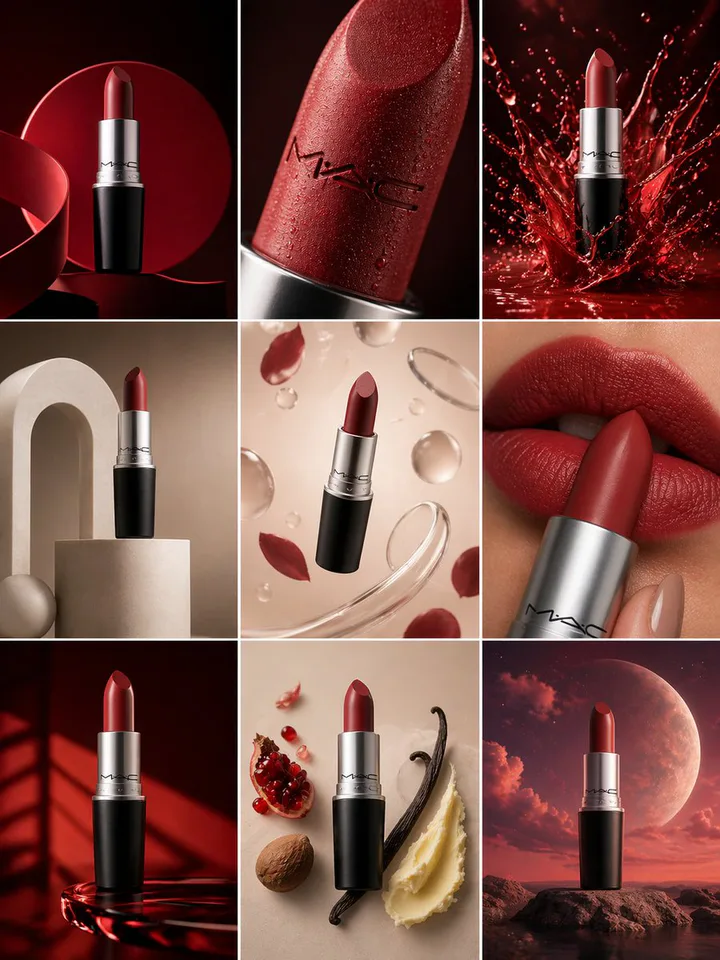
Smart Asset Library
History that stays useful after export
Save outputs with their prompt context, return to strong variants, and reuse past work instead of hunting through downloads.
Try for FreeCinePixelPrompt assistant
Make this product shot feel more cinematic, but keep it usable for a landing page.
Add a warm rim light, a shallow reflection, and generate four crops: square, hero, story, and thumbnail.
ToneModelRatio
AI Chat Assistant
Prompt help without leaving the workbench
Turn rough intent into clearer prompts, refine language for the selected model, and keep the creative loop moving.
Try for FreeCinePixelWorkflow board
Prompt
Edit
Variant
Export
Guided Image Workflow
A visual project board for bigger image work
Connect image generation, editing, reference checks, and style steps when a campaign needs branching, comparison, or repeatable production flow.
Try for FreeAdvanced controls for repeatable image work
Keep useful generations organized, compare directions quickly, and build a reliable visual workflow for marketing, product, and creative projects.
CinePixelUsage rights
Check campaign rights
Review provider terms and permissions before export.
ClientAdsStore
Review rights before publishing
Commercial use and rights
Commercial use depends on the selected model and provider terms, your input rights, and third-party rights. Review these before publishing or using outputs for clients.
Try for FreeCinePixel4K export
Detail92%
Texture78%
Light64%
Crop46%
Up to 4K detail and clarity
High-Resolution Professional Output
Choose higher-resolution outputs when the image needs to hold up across hero sections, ads, presentations, and print layouts.
Try for FreeCinePixelIteration lane
Move through variations quickly
Lightning-Fast Generation & Iteration
Keep creative review moving by trying several ratios, models, and references before the direction goes cold.
Try for FreeCinePixelBranching workflow
Source
Prompt + reference
Branch, connect, and reuse steps
Multi-Step Image Workflow for Complex Projects
Build a repeatable path for multi-step work: branch a prompt, compare model outputs, then carry the winner into a reference edit.
Try for FreeCinePixelReference remix
Motion82
Duration6
Quality4
Prompt and reference images in one creative surface
Multi-Model Image Generation
Move from rough concepts into polished image variations with model choices for prompts, references, aspect ratio, output format, and quality.
Try for FreeHow CinePixel turns ideas into usable visuals
Move from prompt or reference image to polished output with a focused workflow for drafting, comparing, refining, and saving results.
1
Describe or Upload
Start from a prompt, a reference image, or both. CinePixel keeps the first move fast so the idea stays fresh.
2
AI Processing
Pick a model, ratio, quality, and reference path. The workbench keeps the cost and output shape visible before you run it.
3
Style & Refine
Compare variations, reuse strong prompts, and move useful results into history or favorites without losing context.
4
Download & Use
Download final assets, keep the source prompt, and come back later when the campaign needs another direction.
Turn ideas into video
Start from a trending template with your own photos, or pick a video model and describe the shot.
- Hotel Lobby DanceTwo friends break into a synchronized dance in a grand marble hotel lobby while guests look on.2 photos needed, one per person
- Rap Duo on StageYou and a friend trade verses as a rap duo in front of a bold orange backdrop.2 photos needed, one per person
- Red Carpet ArrivalStep onto a red carpet at an evening premiere as cameras flash around you.1 photo needed
- Try video templates
Built for the work you do
Pick a starting point for your team, then create, review, and download in one workspace.
Marketing and ads
Billboard, poster, and social ad concepts with clear headline space.
Content creators
Thumbnails that read at small sizes and short videos built from trending templates.
E-commerce sellers
Clean product shots, cut-outs on a plain background, and sharper listing images.
Designers and agencies
Packaging, album cover, and magazine cover directions to review with clients.
Educators and trainers
Infographics and storyboards that explain a process step by step.
Small businesses
Icon sets, invitations, and restored photos for menus, events, and history pages.
Frequently Asked Questions About CinePixel
Answers about Image to Image, Text to Image, commercial rights, credit packages, saved prompts, and generation history.
What is CinePixel and how does the AI Image Generator work?
How does image generation work technically?
What makes CinePixel different from other AI Image Generators?
Can I use CinePixel images for commercial purposes?
What image quality and resolution does CinePixel provide?
What happens to my credits after a one-time purchase?
Where do I manage CinePixel credits?
Does CinePixel support reference image editing?
How does CinePixel's reusable image workflow help teams?
Can I edit existing photos with CinePixel?
More Articles
From the journal
More NewsIntroducing CinePixel
A practical overview of the CinePixel workflow, from first prompt to saved generation history.
Read More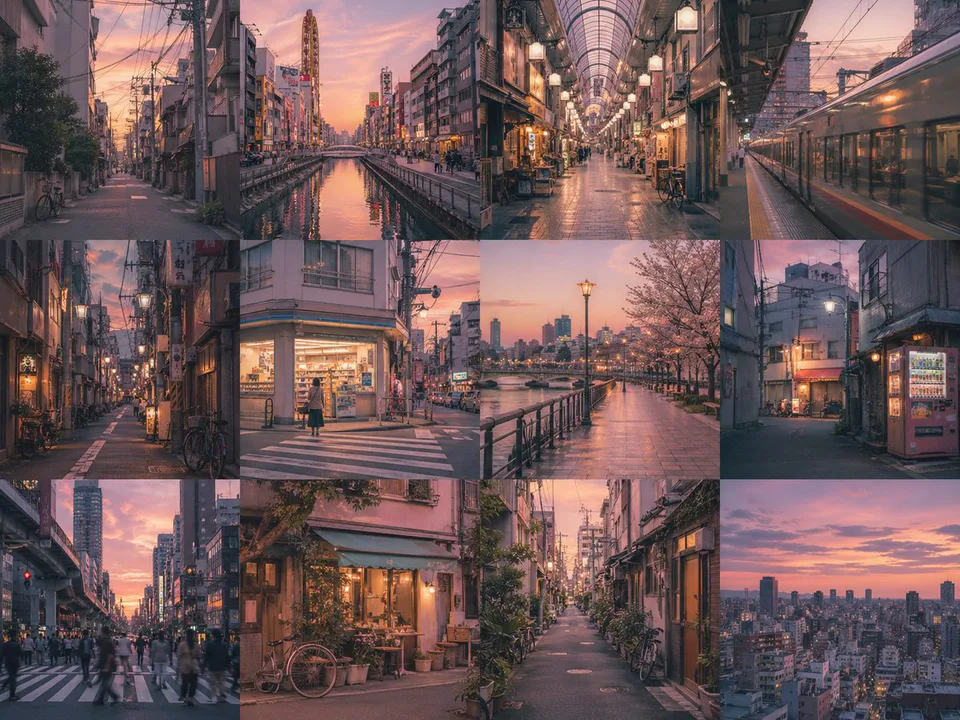
Create Your First AI Image
A concise guide to writing a useful prompt, choosing a generation mode, and saving strong results.
Read MoreA Publish-Ready AI Image Workflow
How to move from draft generations to a curated set of visuals for product, social, and editorial use.
Read MoreStart creating with CinePixel
Turn prompts and reference images into production-ready visuals, then save the results to history and favorites.
Start creatingProduct hero packReady
PromptReference